Product UpdatesAdd multiple contacts to a List
Add multiple contacts to a List
August 28, 2025
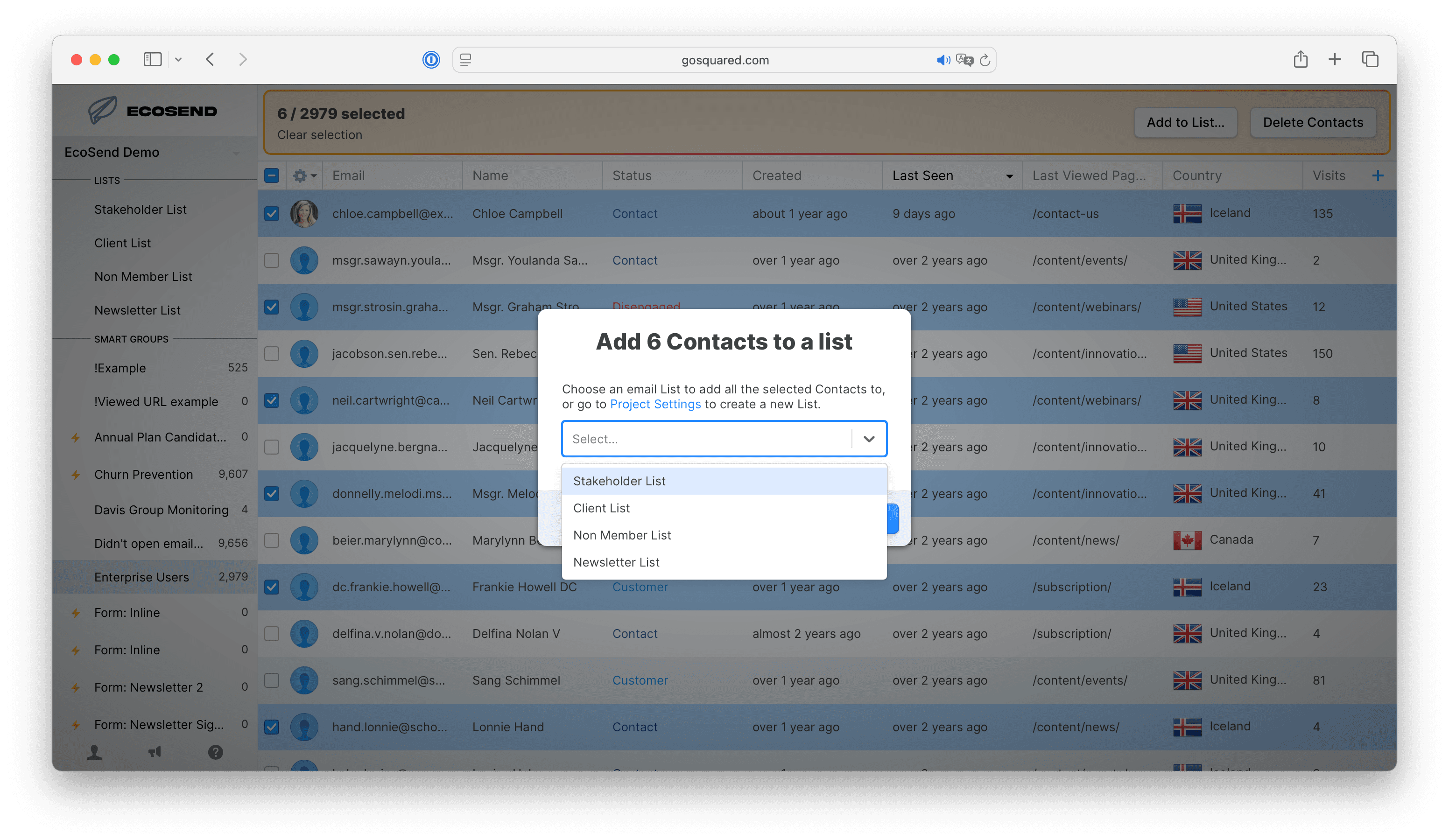
You can now add multiple contacts to a List in just a few clicks.
We introduced Multi-Select — the ability to select multiple contacts — earlier this year, and we're thrilled to introduce this as another action you can take on multiple contacts at once.
Just select the contacts you need, then head to the toolbar and choose "Add to List". Choose the relevant List(s) from the menu and your contacts will be added immediately.