Product UpdatesAutomatic image optimisation
Automatic image optimisation
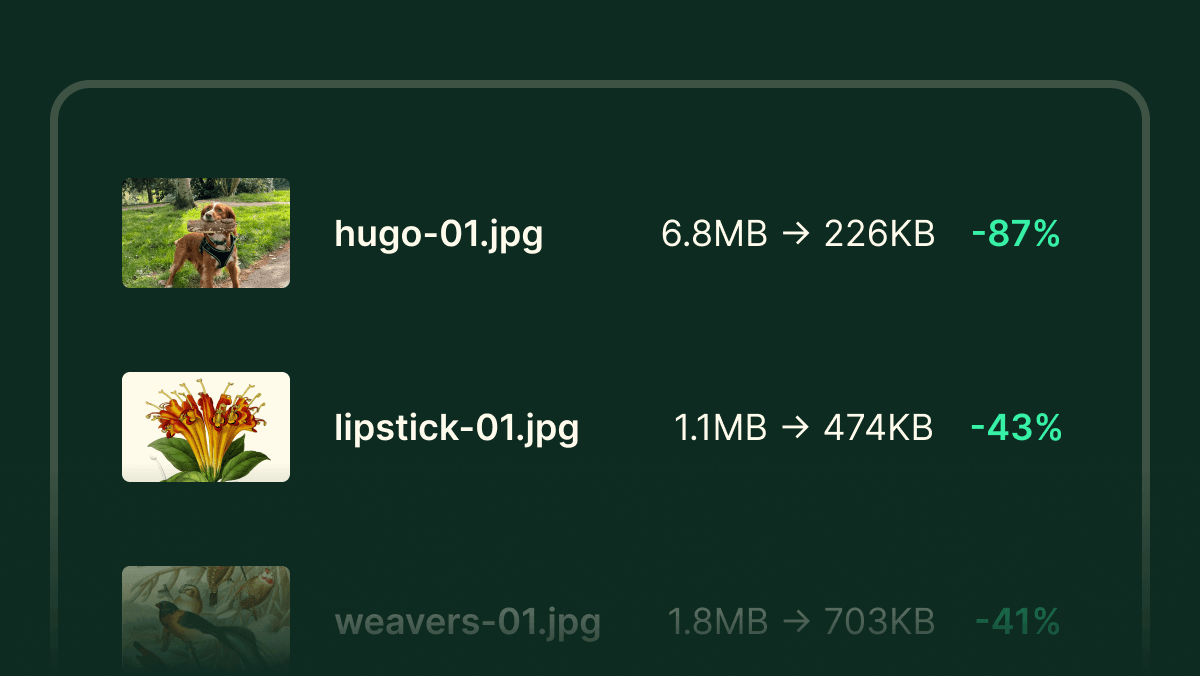
Building on the robust foundations of the all new email builder, we’re excited to introduce a feature we’ve wanted since day one: automatic image optimisation.
Almost every campaign you send will have an image of some sort — whether it’s a small logo, an enticing hero image, or a banner to promote something new.
It’s all-too-easy to send an image that’s large enough to be printed on a highway billboard to people who will only see it at the size of a post-it note.
Your emails are only successful if your contacts receive them, open them, and actually engage with them.
That’s why we’re rather obsessed in making your emails as small as they can possibly be — so they get opened, use as little energy as possible, and don’t waste anyone’s time.
Image size and bloat
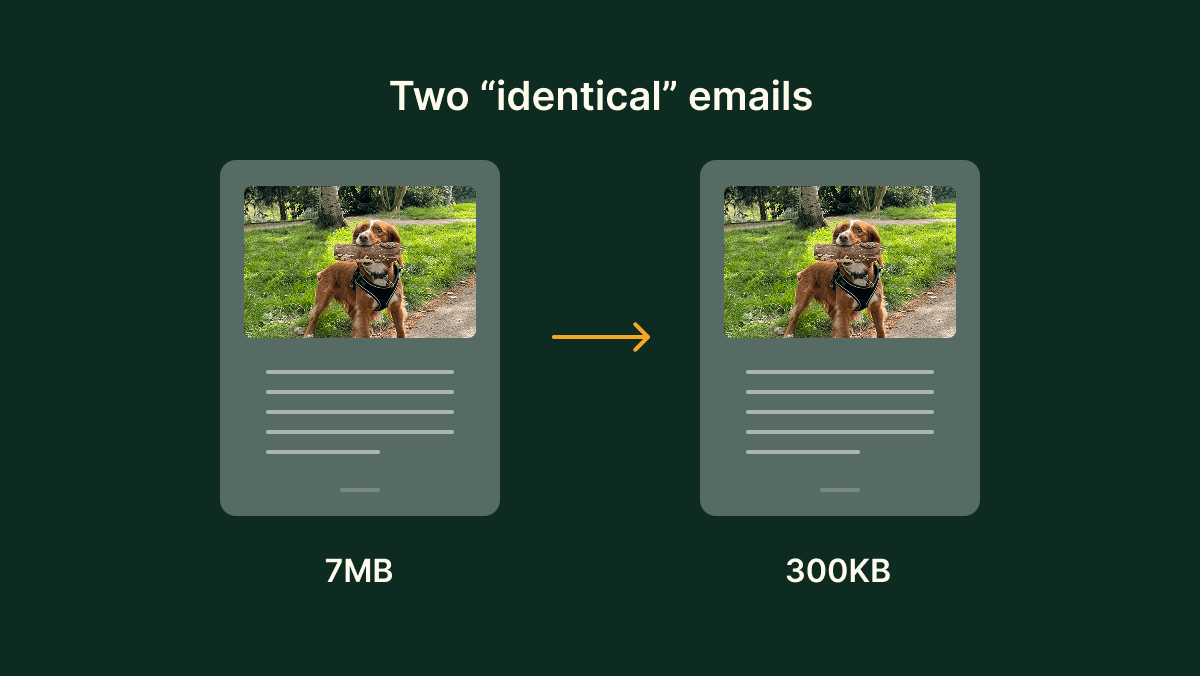
While images are a great way to draw attention, they’re usually the heaviest and slowest part of any email for the recipient.
The problem is widespread. We’ve seen campaigns where images are huge — often multiple megabytes. For those of you who remember them, that’s more than can fit on a floppy disk!
People don’t intend to send huge images to their recipients, but it’s all-too-easy to do so — you snap a photo on your phone, copy and paste it into an email and hit send. However, without any intervention, it’s easy to send an image that’s large enough to be printed on a highway billboard to people who will only see it at the size of a post-it note.
Zero extra work for you
We’re deeply commited to digital sustainability, accessibility, deliverability, and web performance. That’s why we’ve been obsessed with solving this problem for some time.
The new automatic image optimisation in EcoSend is completely invisible — you don’t have to do anything differently. In the background, we perform an extensive series of complex operations to ensure every image in every email you send is beautiful, sized appropriately, in the best format, and is optimised to be compatible with every client your recipients use.
Automatic image sizing
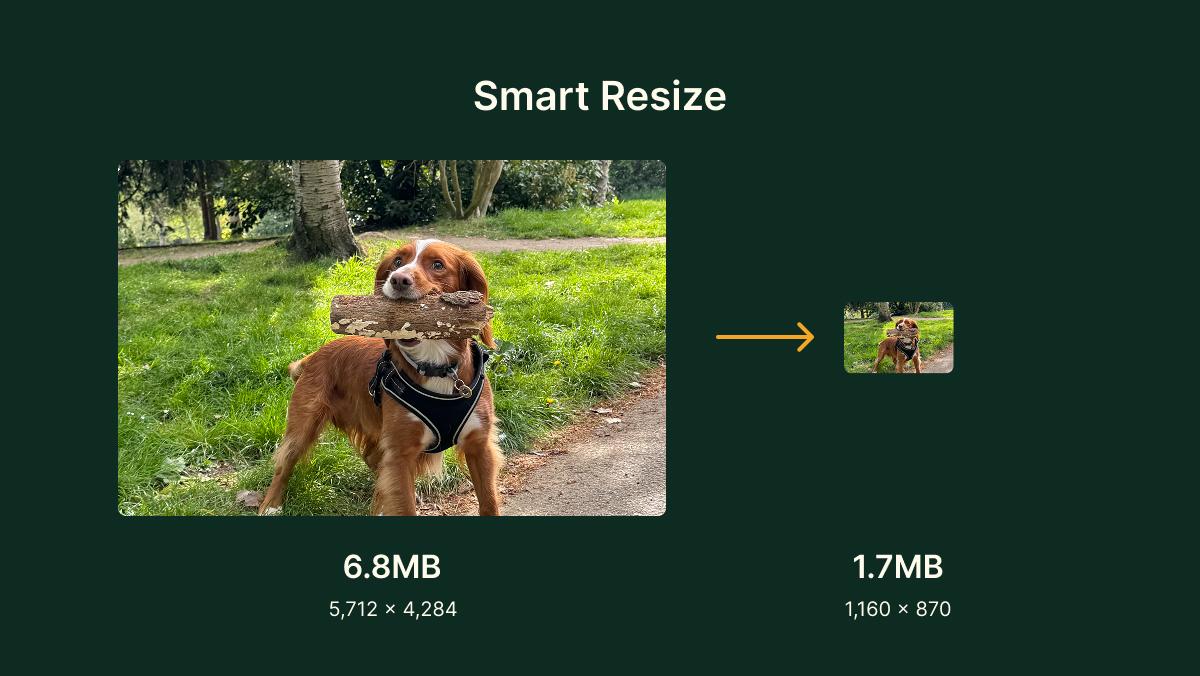
To start with, we automatically analyse your email, and calculate the size each of your images will be displayed at.
For example, if you have a big hero image at the top of your email, it might be 700 pixels wide. If you have a small profile photo in a grid of faces, it might be displayed at just 100 pixels wide.
We take into account retina displays and different devices, and prepare your images to display at a suitable size for each.
When you consider that our phones can take photos of 5,000 pixels wide or greater, you start to see how an image can be orders of magnitude larger than the size it needs to be displayed at.
Automatic image format conversion and optimisation
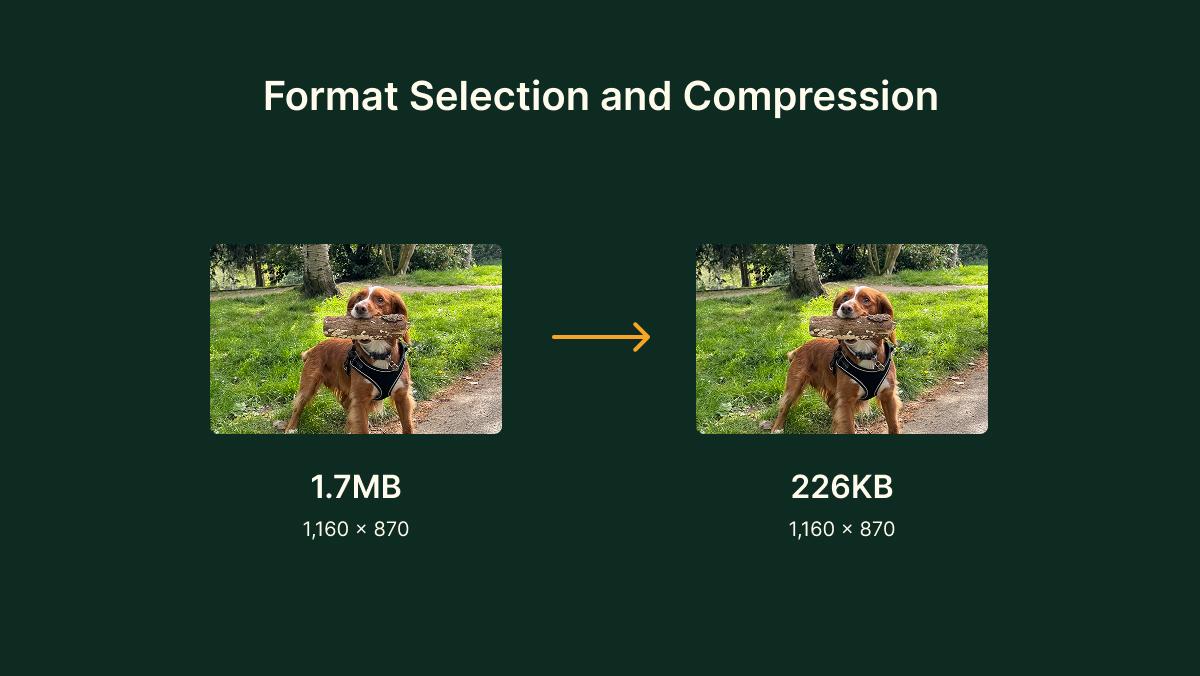
While sizing an image appropriately is a huge step forward, it’s not the only factor that impacts the file size of an image. We go a number of steps further to slim down your images.
EcoSend now automatically chooses the best format for each image. So if you have a rich, colourful, and detailed photo, it’s likely this will make sense as a JPG. While a logo or a line drawing, with geometric shapes and one or two colours will be better suited as a PNG.
Not only that, but we’ll also automatically optimise the image file to intelligently reduce its size further, stripping out unneccesary data, and compressing the image as much as possible, without losing quality or definition.
Going a step further still, if we know it'll be supported by the recipient’s email client, we also will serve image files as WebP or AVIF for even more efficient formatting.
Try it now
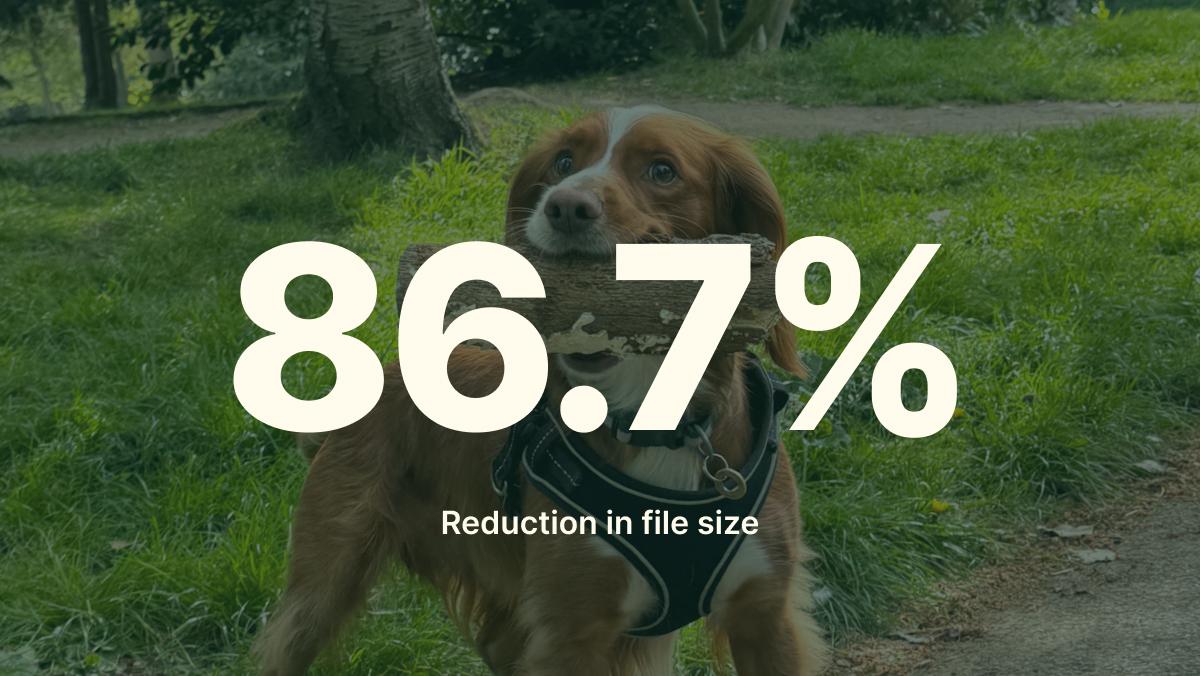
This is a huge update to EcoSend, that will utlimately impact millions of people who receive emails sent by you, and every one of our customers.
We view every single byte that we can save from sending as a win, and this has the potential to save an unspeakably large number of bytes. It’s all in the service of making sure your emails get delivered, look great, and are more impactful than ever.
Automatic image optimisation is now available for everyone on all plans at no extra charge. It just works — you don’t need to do anything differently. Simply open any existing email template or create a new one, add your images, and watch as they’re automatically optimised on the fly.
By using EcoSend you’ll be saving even more precious bytes from journeying across the internet to your contacts and their inboxes.