How to get more from simple emails
Simple emails can outperform complex ones. Here are five ways to give your readers a reason to click.
 James
James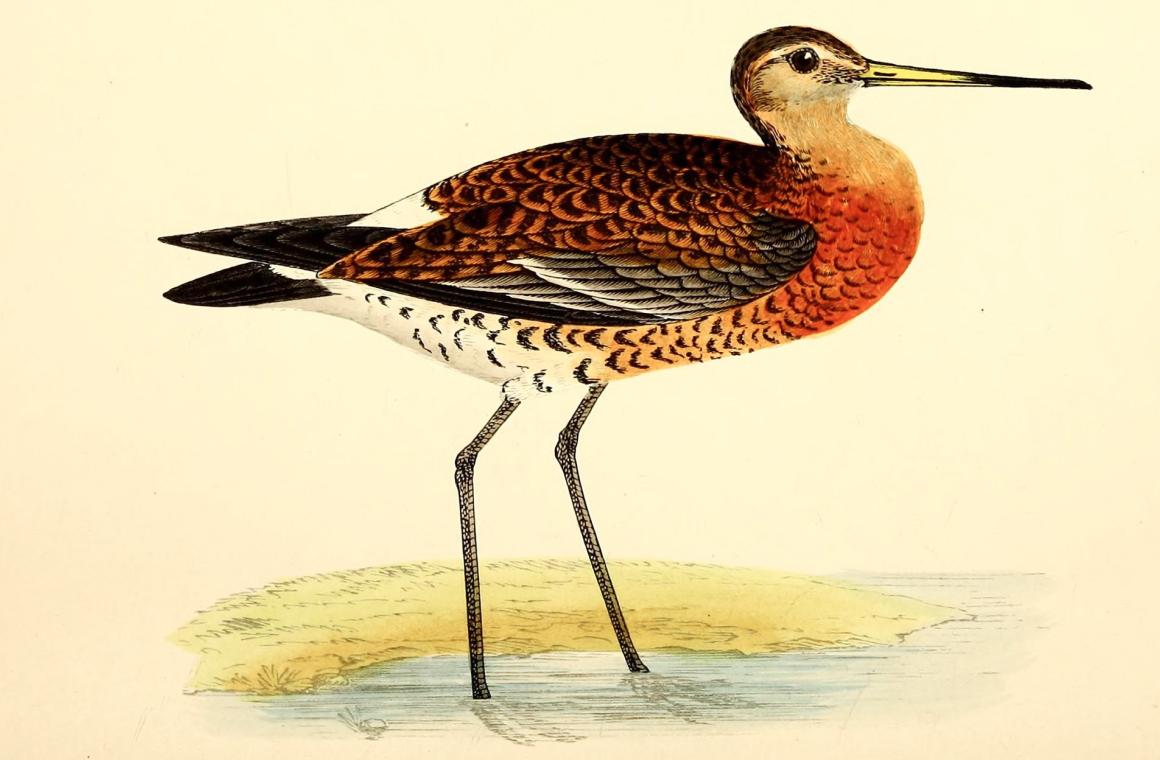
On the average, five times as many people read the headline as read the body copy.
— David Ogilvy (advertising pioneer)
Back in August we ran a workshop with a lovely group of charity comms people, and I promised to answer their questions in this newsletter.
There's one I still hadn't answered (sorry!):
If we strip our emails back — just text, a couple of images and one call-to-action — how do we still get a good click-through rate?
It's a fair worry. We've made the case for simpler emails here more than once. But if you've spent years sending big beautiful templates full of imagery and colourful buttons, taking this all away can feel like a risk.
So here's my answer: clicks come from trust, good writing, and a strong relationship with the reader. Not the size of your buttons.
Why plain emails often do better than you'd expect
If you take off your marketer hat and put on your reader hat for a moment…
A heavily designed email can look like marketing. Your reader recognises the format instantly — they’ve been trained by thousands of brands approaching email in the same way for years.
Sometimes that’s helpful, but often it can lead to an instant “archive”, regardless of the actual content within.
A plain email can be a chance to stand out. When done well, it reads like a real human wrote it to them.
Often people aremore likely to click on things other people send them.
That doesn't mean crafting a beautiful design is bad — these emails are always going to carry your brand and serve a critical purpose. But it could be worth experimenting with a simple or plain-text style alternative every once in a while to see how engagement is affected.
Critically, you’ve got to give people a reason to open and to click, regardless of the design…
1. Tell the reader what's on the other side (of the click)
Vague terms like “Click here" and "Read more" tell your reader nothing. They're asking for a leap of faith.
Compare:
Read more→ Read Priya's storyClick here→ See this year's volunteer datesFind out more→ Book your free place (2 minutes)
Descriptive link text is also better for accessibility — screen reader users often jump from link to link, and a page full of "click here”s is not very helpful to them.
2. Ask early, not just at the end of the email
Plenty of readers never make it to the bottom of an email. (The Ogilvy's quote in today’s issue was about print ads, but you can be sure it applies even more today for inboxes.)
Put the most important link in the first few lines as well as near the end. Your most interested readers will take it straight away. Everyone else can get a full explanation first.
3. Say what happens next
A lot of clicks are lost to a small, unspoken worry: what am I letting myself in for?
So say it:
It takes about two minutes, and have your membership number ready.
It's a 4-page PDF — no sign-up needed.
One sentence like that removes the hesitation, and paints the picture clearly for the reader.
4. Use the same link twice, not five different ones
Use one link in the text, and the same link again as your button or near the end.
This gives you two chances to ask for one thing — rather than five links that split your reader's attention in different directions.
While this is me giving you another like, we've written more on the importance of having one priority per email if you want to dive deeper on this!
5. Write the reason before you write the email
Before you write a word of your actual email, it helps if you can finish this sentence:
If you (the reader) click this, you'll get ______.
If you can fill that blank with something your reader actually wants, the email almost writes itself!
But if you can't, no button colour in the world is going to save it.
Keep it simple and try this approach — it pays dividends and cuts to the chase for creating a decent email.
How to know if it's working
Don't judge an email on its open rate or the overall click rate.
Look at click-to-open rate — of the people who opened, how many clicked — and look at which links got the clicks. One word of caution: open rates have been inflated by privacy features like Apple's Mail Privacy Protection for a few years now, so treat click-to-open as a guide rather than gospel.
Comparing your own emails against each other is often more useful than comparing against anyone else's “industry” benchmarks.
If you use EcoSend, per-link click tracking shows you exactly which links people clicked in every campaign.
Better still, measure the thing you really wanted: bookings, donations, sign-ups, etc. Clicks are just a proxy for whether your email is succeeding.
Try it now
Open the next email you're planning to send.
For every link in it, write down: "If you click this, you'll get ______."
Then rewrite the link text so it says exactly that. If needed, add a sentence about what happens next. Move the most important link earlier into the first few lines.
If you try it, hit reply and send me a before and after of your link text. I'd love to see them — and if I get some good ones, I'll share a few (anonymously, unless you'd like the credit) in a future issue.
Until next time,
James
This week’s illustration is the black-tailed godwit (Barge commune, plate 18) from Jean-Charles Chenu’s Ornithologie du chasseur (Paris, 1870), via the Biodiversity Heritage Library. One long beak, pointing in one direction, straight to the point. A good mascot for emails with one clear purpose.
The newsletter for purpose-driven marketers
Join hundreds of marketers getting weekly insights on ethical email marketing, sustainable growth, and responsible digital practices.
Unsubscribe anytime. No spam. No nonsense.