Email Campaign Metrics
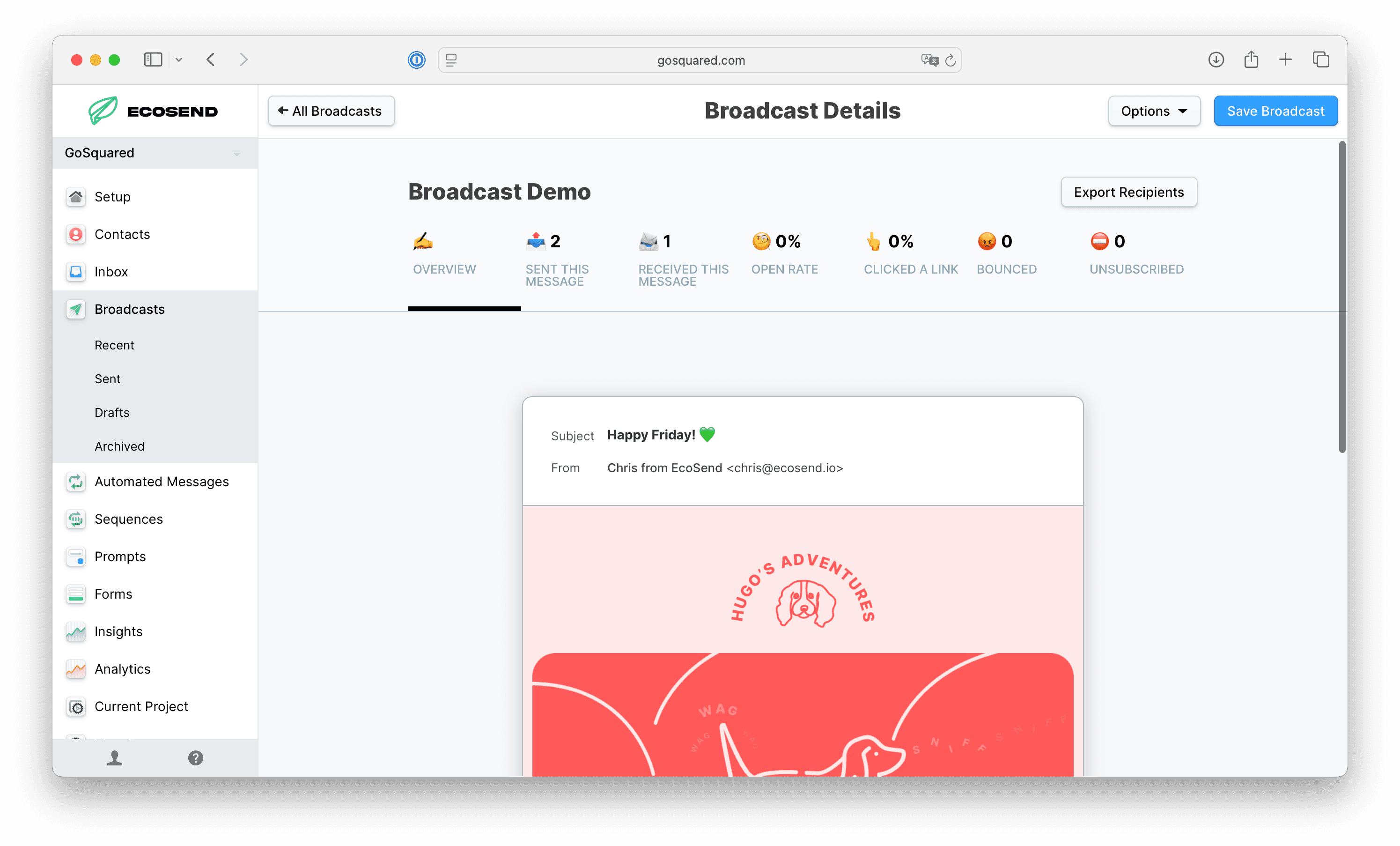
Reviewing individual campaign metrics is crucial to analysing the performance of your emails.
In this article, we'll dig into each campaign metric, to analyse what they mean, and why the are important.
Sent This Message
The number of contacts targeted by this campaign. Click onto the column to review individual profiles.
Please note; if you omit to include the 'Unsubscribed is no filter' in your campaign target list or Smart Group, then unsubscribed contacts will be included in this list. They will not, however, actually be sent or receive the campaign.
Received This Message
The number of contacts who recorded a successful delivery of the message.
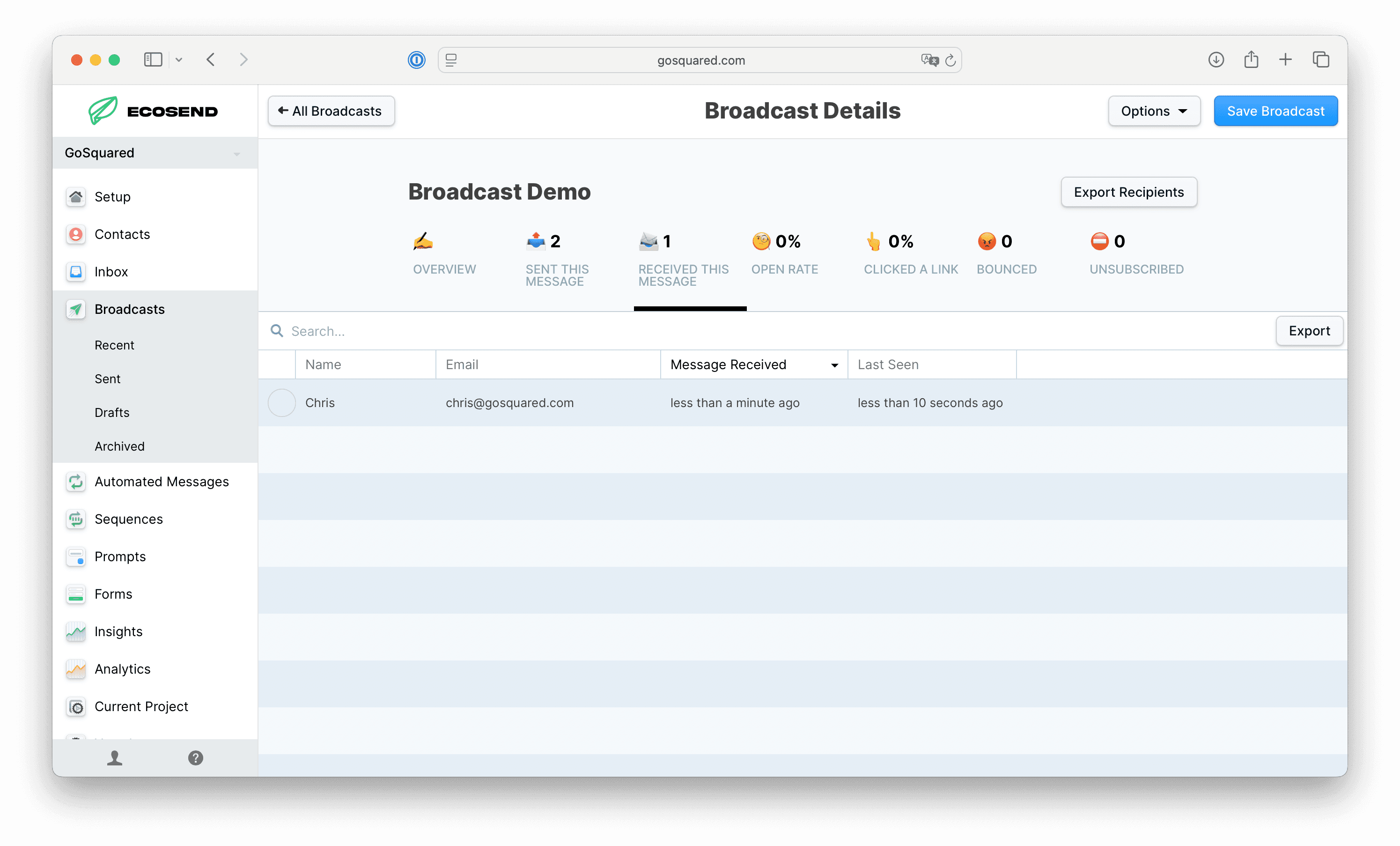
Open Rate
Your Open rate is the number of contacts who opened the campaign, divided by thte total number of contacts who received the campaign.
Open rate helps you understand whether your contacts are opening your emails; especially helpful for understanding if your subject line is driving attention.
Please note, Open rate is an increasingly unreliable metric due to industry-wide changes.
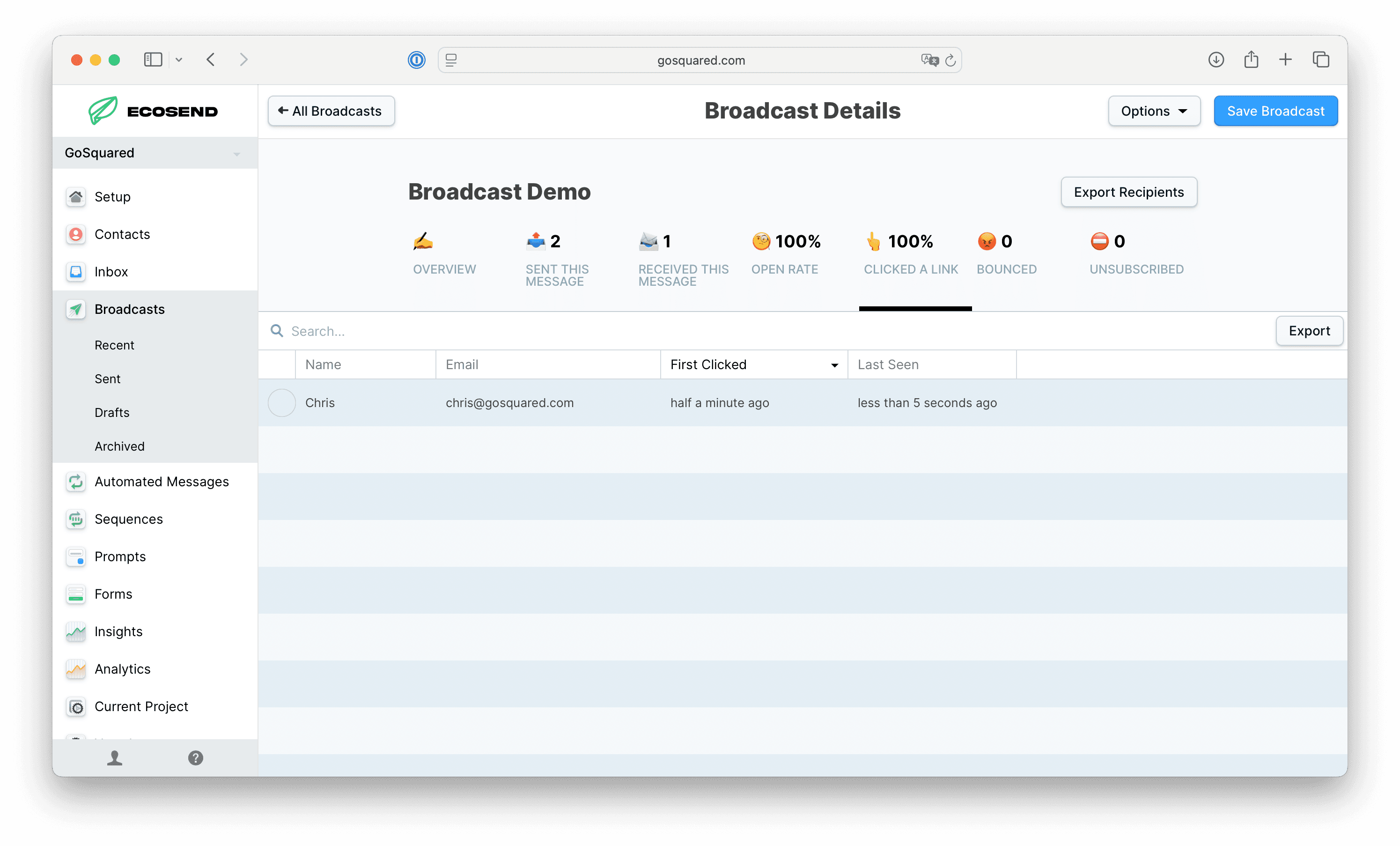
Click Rate
Click rate is the total number of contacts who clicked any link in this message.
Click rate is calculated by the total number of contacts who clicked any link in the message, divided by the total number of contacts who received the campaign.
Bounce Rate
The percentage of emails which recorded a bounce event. Please note, a profile may appear in both the Bounced and Received lists. This can happen if we initially record a Bounce event, followed by successful delivery.
For more information on Bounces, please see our article here.
For our guide on identifying and removing regularly bouncing email addresses, please see our article here.
Unsubscribed
The number of people who received this message and clicked to unsubscribe from all emails from you.
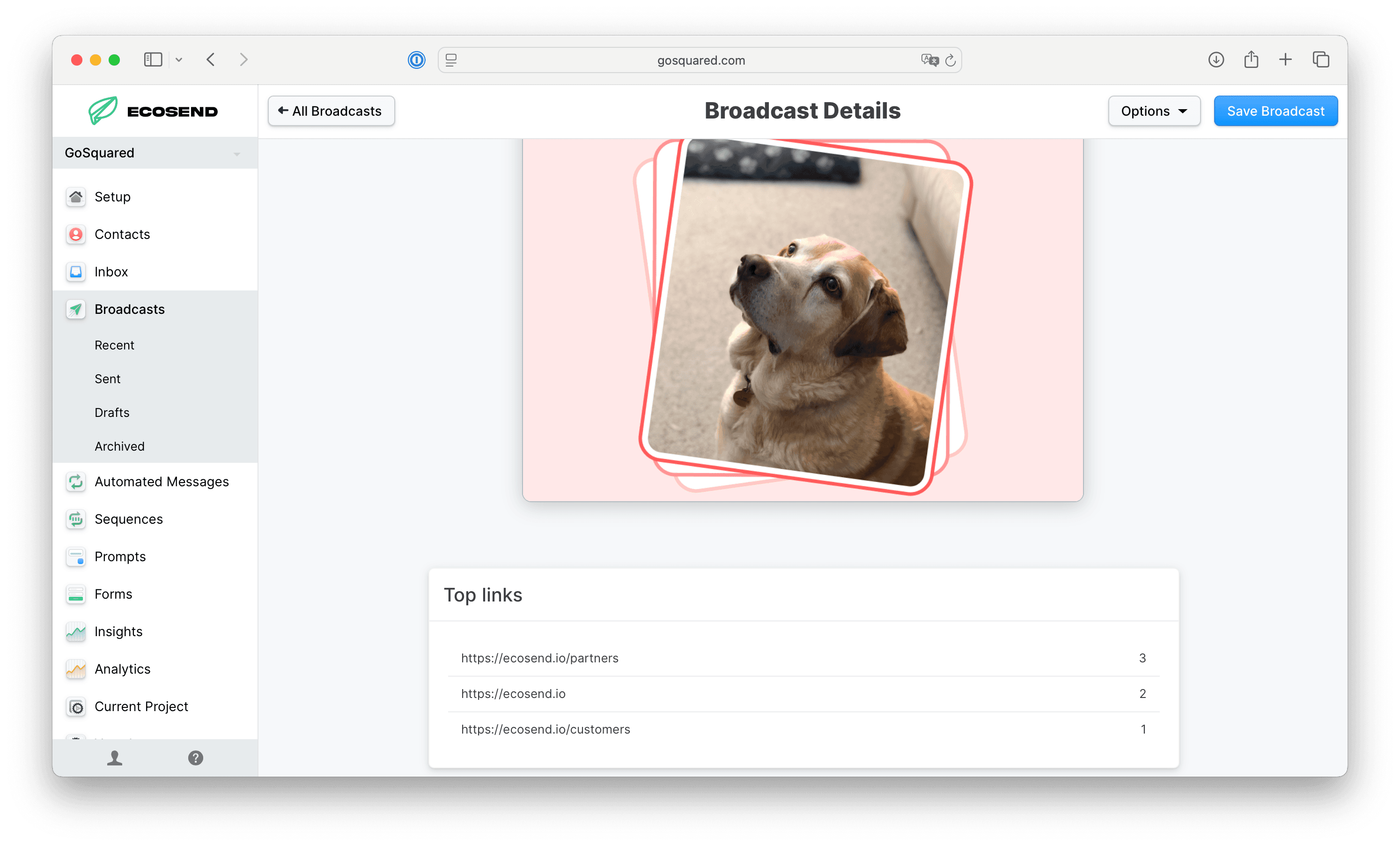
Top links
The total number of unique clicks recorded across all links in the campaign.
One individual contact can record multiple clicks within any campaign.
Last updated January 2026