Inline Forms
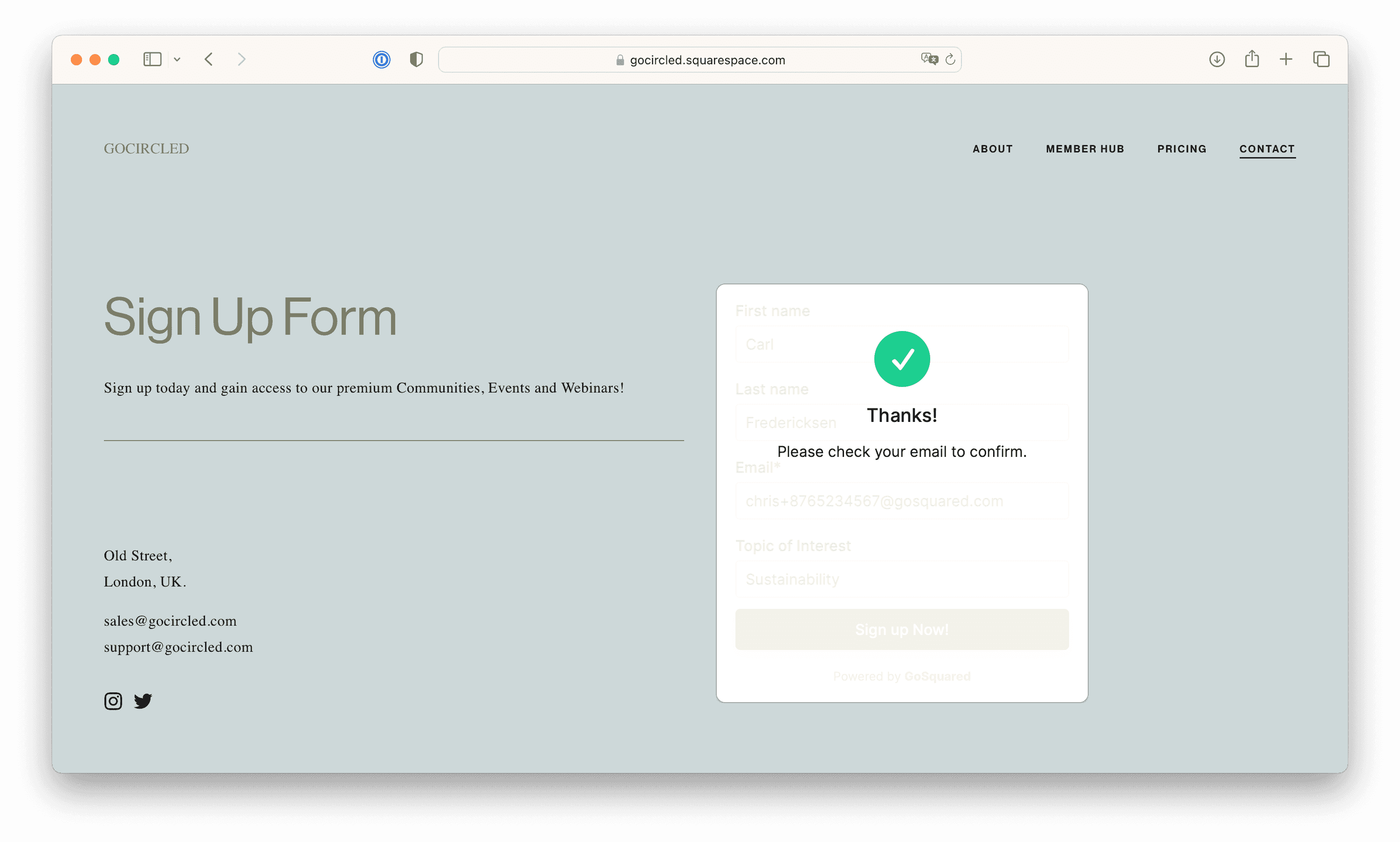
Inline Forms are an easy way to capture emails on your website with minimal coding or hassle.
If you want to capture new contacts and subscribe them to your newsletter, or offer an easy way for your blog readers to stay updated with your organisation, Inline Forms are perfect.
Learn more about the benefits and full feature-set of EcoSend Forms.
Create your Inline Form
Follow the steps to create your Form:
- Build your Form with fields
- Style your Form to match your brand
- Set up Advanced Options if you need
You can do all of this without touching any code. And you can edit these settings any time to update the Form once it's live on your website too.
Copy and paste the code into your site
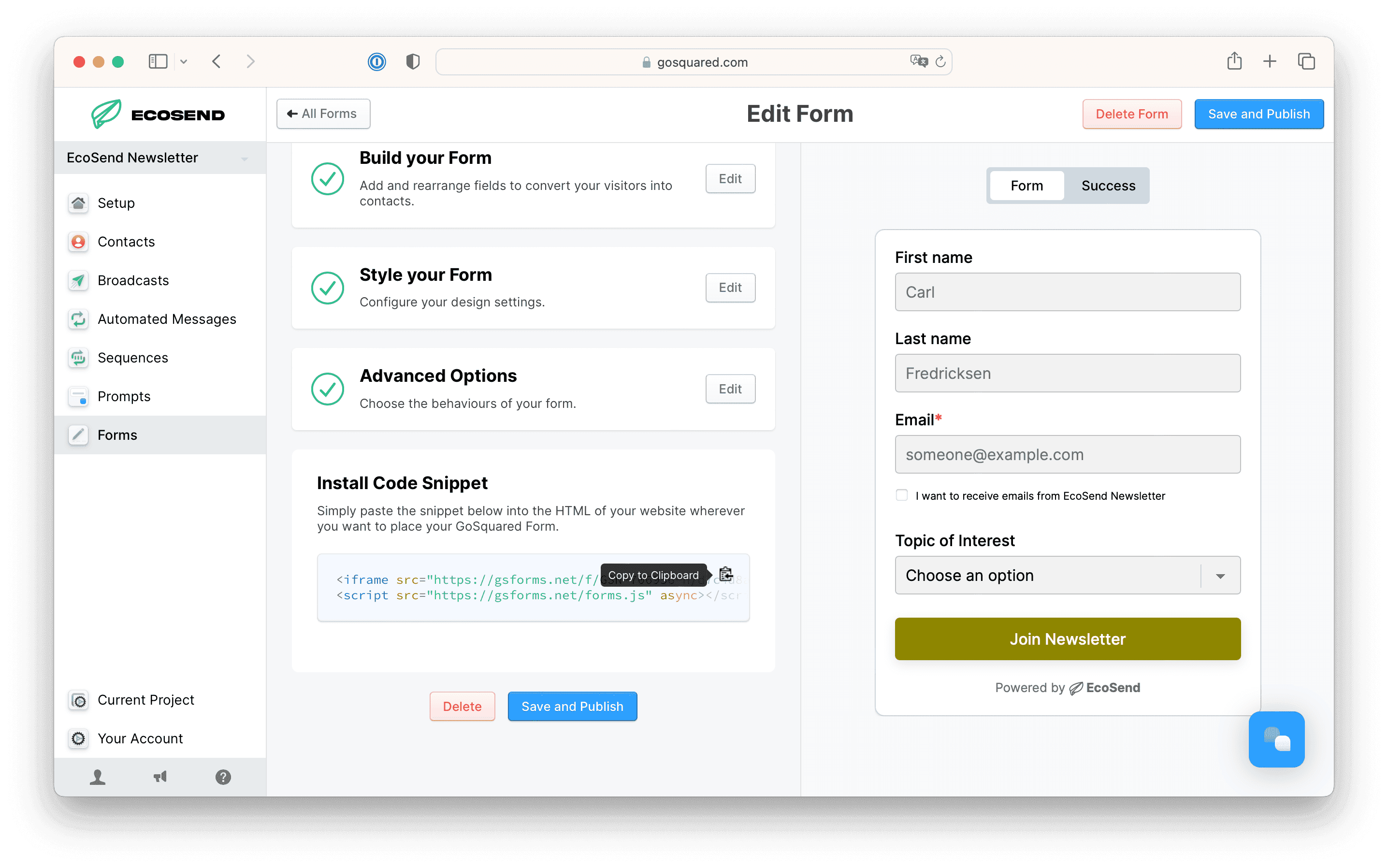
Once you hit "Create Form" you'll see a modal appear with the code for your Form.
Copy and paste this code into the relevant area in your site.
Now, everyone has a different setup for their website — some have built their website by hand with code, some have used a website builder like Squarespace or Framer, and some have been handed this task by another member of their team and don't know what their site is built with.
Don't panic — we have guides and integrations to help you for almost all situations.
If your site was created with a website builder, you'll likely need to create a custom code box on the page where you wish to display your Form.
Adding your Form on a Squarespace site
Add your embedded Forms to Squarespace
Adding your Form on a Wix site
Add your embedded Forms to Wix
Please note that currently, due to Wix's style of embedding code, EcoSend Form's Success URL Re-directs currently display within the iFrame embed, rather than redirecting to a new URL.
Adding your Form to a Wordpress site
Add your embedded Forms to Wordpress
When placig an EcoSend Form on a Wordpress site, the Form may automatically align to the left.
You may want to centre-align your EcoSend Form, to do that you just need to adjust your Forms snippet slightly, using the following code:
<div class="centered-form">
 // your EcoSend Forms snippet here
</div>
<style>
.centered-form {
  text-align: center;
  margin: 0 auto;
}
</style>
Frequently Asked Questions
Can I use my own custom website form to send data into EcoSend?
Yes - we have a range of options sending contacts into EcoSend without EcoSend Forms — from a POST endpoint, to integrations, to the EcoSend API. Get in touch to learn more.
Do EcoSend Forms track cookies?
No — the EcoSend Form iframe does not create its own cookies.
Learn more about EcoSend Forms
Check out our overview to learn more about the different options, customisations, and use cases available with EcoSend Forms.
Last updated December 2025