How to get the most out of email templates
Templates are just decisions you don't have to make again. Here's how to set up a small set that your whole team (or your clients) will use.
 James
A society grows great when old men plant trees in whose shade they shall never sit.
— An ancient Greek proverb
Last week we released Custom Templates. It's been one of our most requested features, so I thought we’d do an issue on how to actually use them.
You don’t have to be an EcoSend user to benefit from this — templates are a feature of many email marketing tools. But they’re rarely explained, and you’re often left to your own devices in terms of how best to use them.
A template is just a set of decisions you don't want to make again: where should your logo go? Which font do you use? What does a button look like? What should go in the footer?
You make each template once, save it, and get on with the stuff that matters: figuring out what you're actually saying.
Templates are like a superpower. When used well, they can save you huge amounts of time, ensure your team are all aligned, and guarantee your audience will always get a consistent experience of your brand.
1. Start from your best email rather than a blank page
If you’ve already been emailing your audience and haven’t set up a template yet, you’re already in a good place.
Open the last campaign you were really happy with. Replicate it, and keep the structure and things you will want to re-use. Clear out the content that’s specific to that campaign.
Then replace the copy with a short note on what should go there. For example, you could write:
One-line intro: what's new and why it matters.
The next person to open it (including you in three weeks' time!) will know exactly what to write.
Then click Save as Template.
2. Make 1-3 templates and no more
If you are new to email templates, just start with one.
Most teams need three for the majority of use cases. There may be times when you need more, but the danger of having 10+ is it becomes a job for everyone on the team to even know which one to use for what campaign.
Keep it simple, at least to begin with. A few good templates to get started:
- Your regular email: the newsletter, the weekly update, the monthly round-up.
- A one-off: an announcement, an appeal, an event invite.
- An automated email: your welcome email or sequence steps (templates are arguably even more valuable in automation — they’re not just for your regular campaigns)
Name them for the job they do, like "Monthly newsletter", and use the description to say when to use each one. I know filling in a text field like this can sometimes seem like a chore, but honestly, it pays dividends: if you’re not doing it for your team, do it for yourself. I am frequently amazed at how quickly I will forget what I set up just a month ago, and why!
A library of thirty slightly different templates will inevitably make your emails less consistent, not more!
3. Bake in the fiddly stuff
A benefit of templates is that you just need to get the hard decisions right once. Then every email after can inherit those decisions and benefit from them.
That might mean setting a good header that works on desktop and mobile without any weird layout issues, ensuring people see real words the instant they open your email on their phone. It might mean ensuring you have a logo that can survive dark mode, buttons that look like buttons(!), and a footer and sign-off you never have to think about again.
For smaller reusable pieces (like a snazzy “donate” button, or an event information box), you can use Saved Blocks (you may know these as snippets or components). They drop into any template too.
4. Let one person own them
If you have a designer, or you're an agency, build the templates and let everyone else start from them. Agencies can set one up in a client's account before handover, so their first email is on brand. You can also duplicate a template for seasonal or per-client versions. Just get the naming and description clear so there is no confusion!
Even in a small team, it makes sense to have one clear owner. Ownership and accountability are where many projects can go off-the-rails. With an email template there can be a multitude of reasons and decisions that have been made with good reason, so don’t let it be a free-for-all to update them willy-nilly.
Editing a template doesn't change emails you've already created from it. So when you improve an email, you might want to update your existing templates to benefit from the changes.
Try it now
Open your most recent regular email, strip it back to its skeleton, and save it with a helpful and informative name. Next time you send, start there.
If you’re already using EcoSend, be sure to try Custom Templates — they’re available now on all paid plans, at no extra charge. And if you need more assistance, our templates support doc has more details.
Hit reply and tell me if you’ve had any struggles with getting your brand to look good on email. It fuels ideas for future editions and I always love to hear what you’re up to!
Until next time,
James
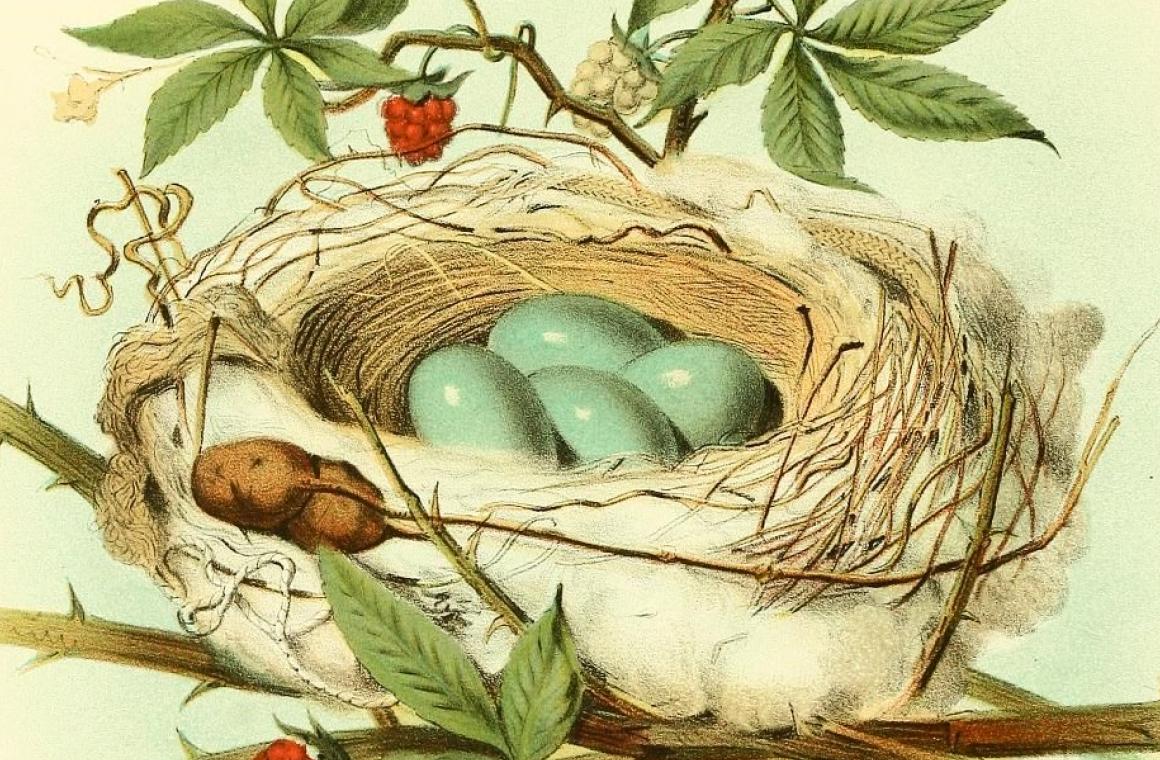
This week's illustration is the catbird's nest (Plate III) from Thomas G. Gentry's Nests and Eggs of Birds of the United States (Philadelphia, 1882), via the Biodiversity Heritage Library. Every catbird builds more-or-less the same nest, so they could really benefit from templates.
The newsletter for purpose-driven marketers
Join hundreds of marketers getting weekly insights on ethical email marketing, sustainable growth, and responsible digital practices.
Unsubscribe anytime. No spam. No nonsense.