Send or schedule a Broadcast
If you’re new to EcoSend, be sure to check out our guide on sending your first email to cover the basics of sending.
Sending your Broadcast
When you're ready with your email, click Done and give your email one final review. You can then Send your Broadcast immediately.
Save as a draft
If you’ve been working on an email but aren’t yet ready to send it, you can save it as a draft to come back to later. This is also helpful if you would like a colleague to collaborate on the campaign with you.
Schedule for later
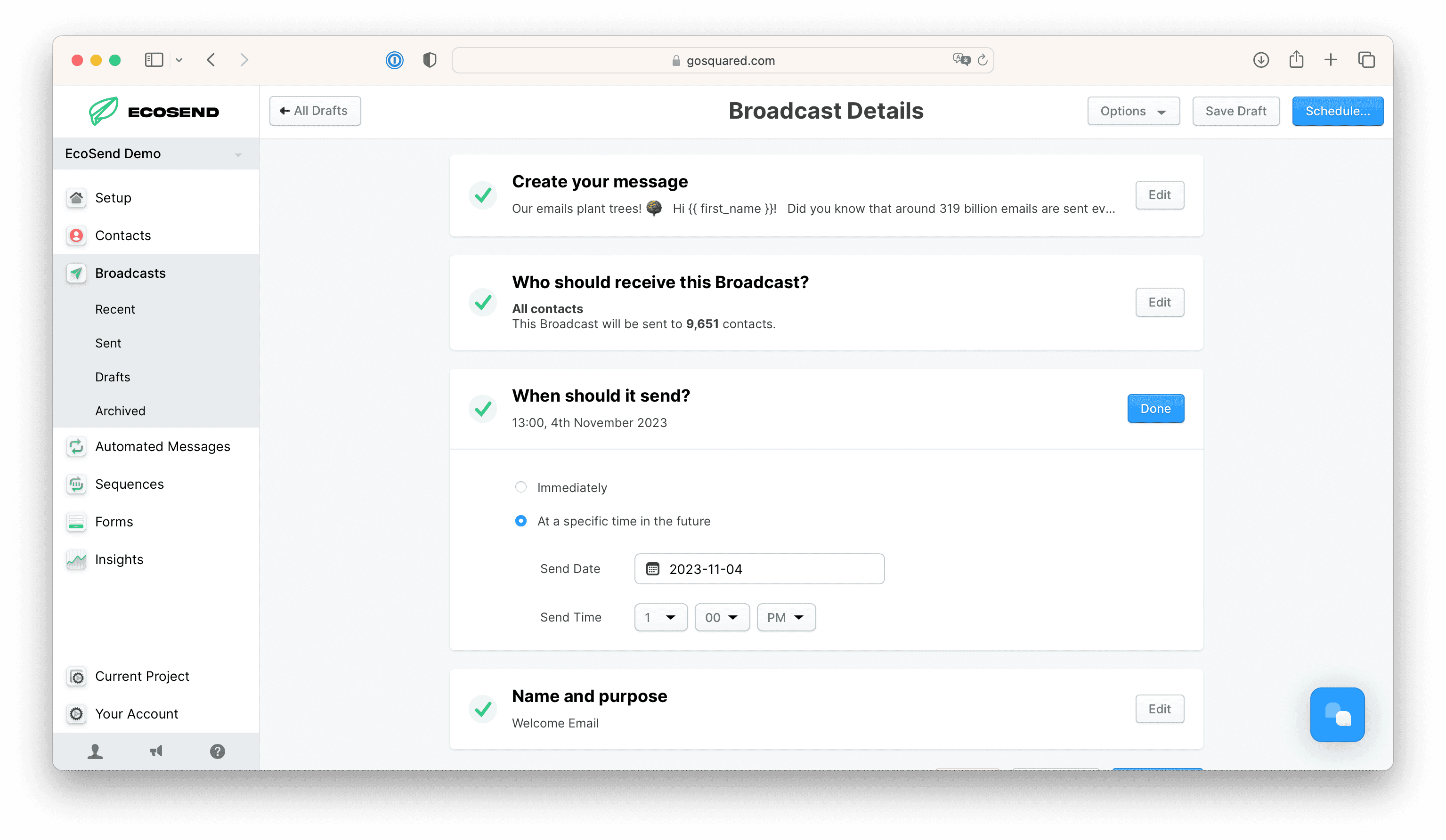
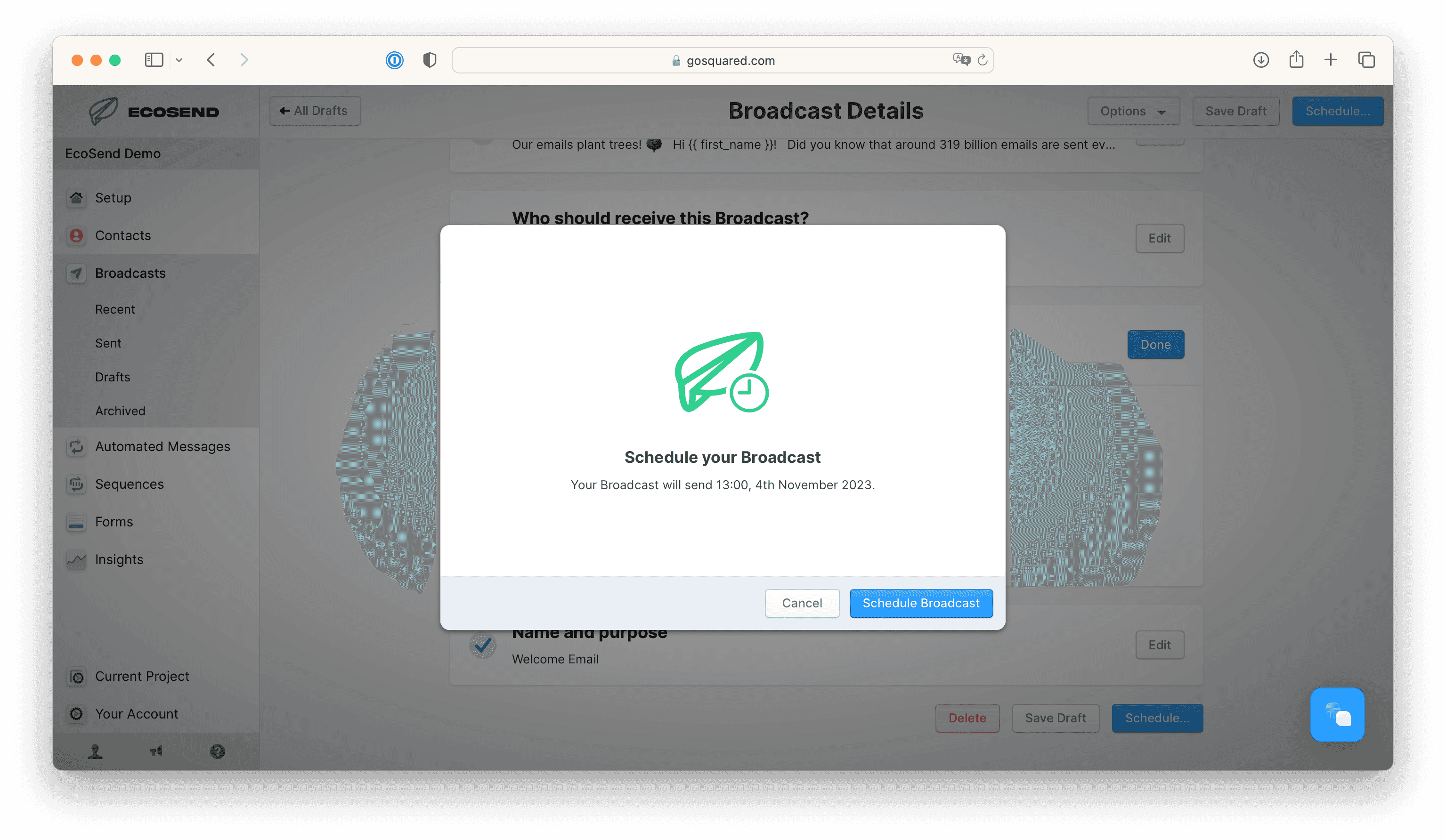
You can also Schedule your Broadcast to send at a later date and time.
When you schedule a Broadcast, EcoSend updates your audience at send time, so any last-minute sign-ups or unsubscribes are factored in.
Edit or cancel a scheduled Broadcast
Once you’ve scheduled a Broadcast, you can edit it or cancel it at any time before it is sent.
To edit a scheduled Broadcast, head to the Broadcasts list, and choose Pause + Edit on the relevant Broadcast.
This will immediately pause the Broadcast from sending. Your Broadcast will not send, even at your previously scheduled time, until you hit Schedule… again.
While paused, your Broadcast is essentially a draft again — you can edit the contents of the email, change the audience, and alter anything about the campaign.
To ensure your email goes out as planned, simply save it and hit Schedule…. The previously defined time and date will be pre-filled so scheduling the Broadcast to send at the originally planned time is easy.
Scheduling and timezones
The time and date you schedule a Broadcast to send at is based on the timezone of your device.
For example, if the time on your device is 10am, and you schedule your Broadcast to send at 11am, the Broadcast will send in an hour.
Reasons you can’t send a Broadcast
EcoSend will not allow you to send your Broadcast if any of the following are true:
- You haven’t set up a valid Sender Profile.
- Your haven’t yet completed setup of your sending domain.
- Your project is not verified.
- Your Broadcast is missing an unsubscribe link.
- You’ve left the subject line blank.
- You haven’t defined an audience to send to.
- You’ve scheduled the email for a time in the past.
- You’re on the free tier and have exceeded your usage limits.
Last updated October 2026