MailerLite to EcoSend Dictionary
Making the switch from MailerLite? This handy guide helps you understand the terminology differences between MailerLite and EcoSend. While a few terms may need to be relearned, you'll be up and running in no time with EcoSend's intuitive and helpful interface.
For a full comparison of features, pricing, and values, see why EcoSend is the perfect MailerLite Alternative.
Campaigns -> Broadcasts
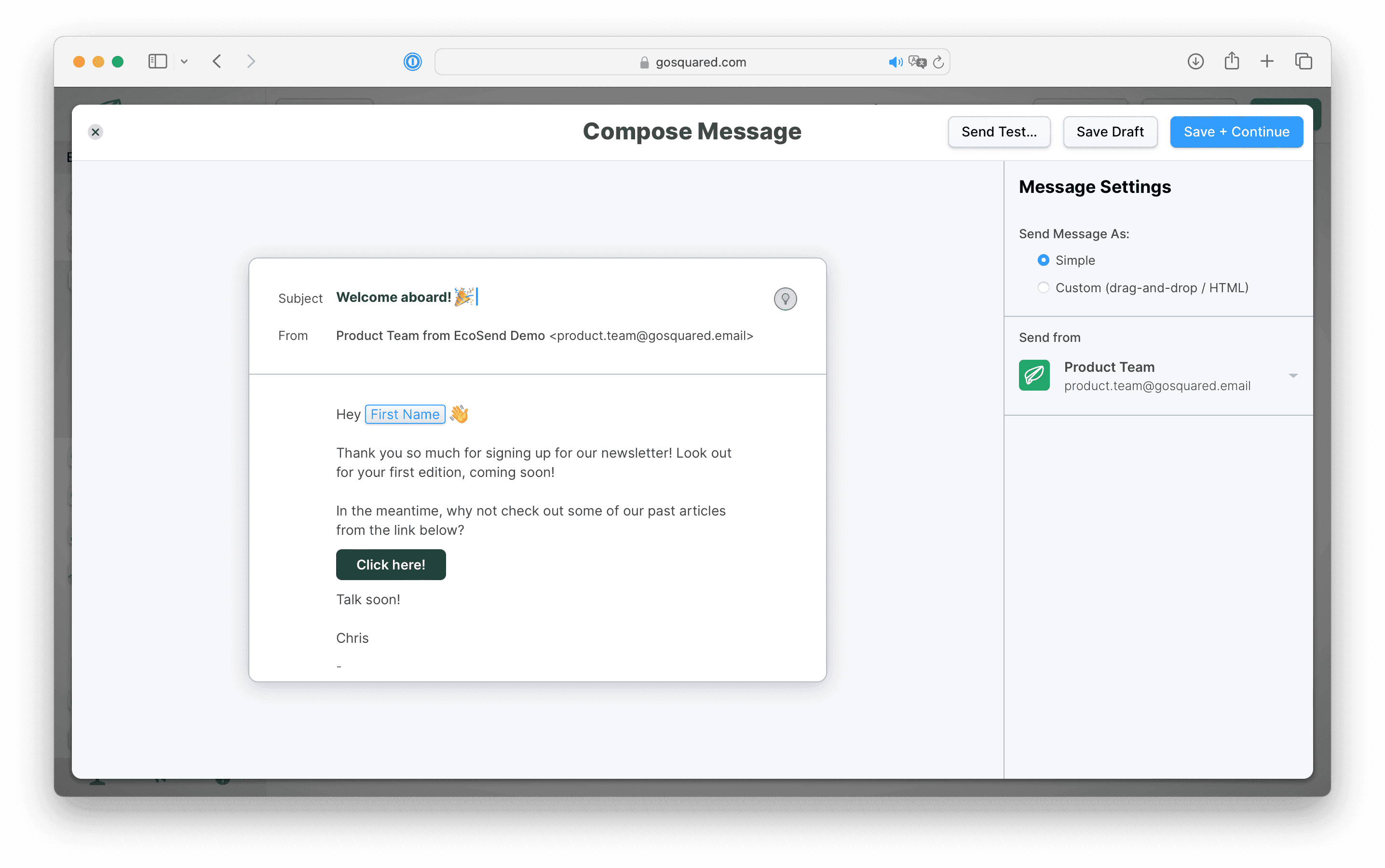
In MailerLite, you'll be familiar with using Campaigns to send out one-off emails, such as newsletters, product promotions, and event invitations. In EcoSend, these work in almost exactly the same way, they're just called Broadcasts.
In EcoSend, you can craft beautiful emails with our email builder, and be ready to send your campaign within minutes. You can also schedule your Broadcast to go out at the perfect time.
Automations -> Automated Messages & Sequences
MailerLite Automations let you build workflows that send emails automatically when a subscriber joins a group, completes a form, or reaches a milestone. They're great for onboarding new contacts, or delivering lead magnets.
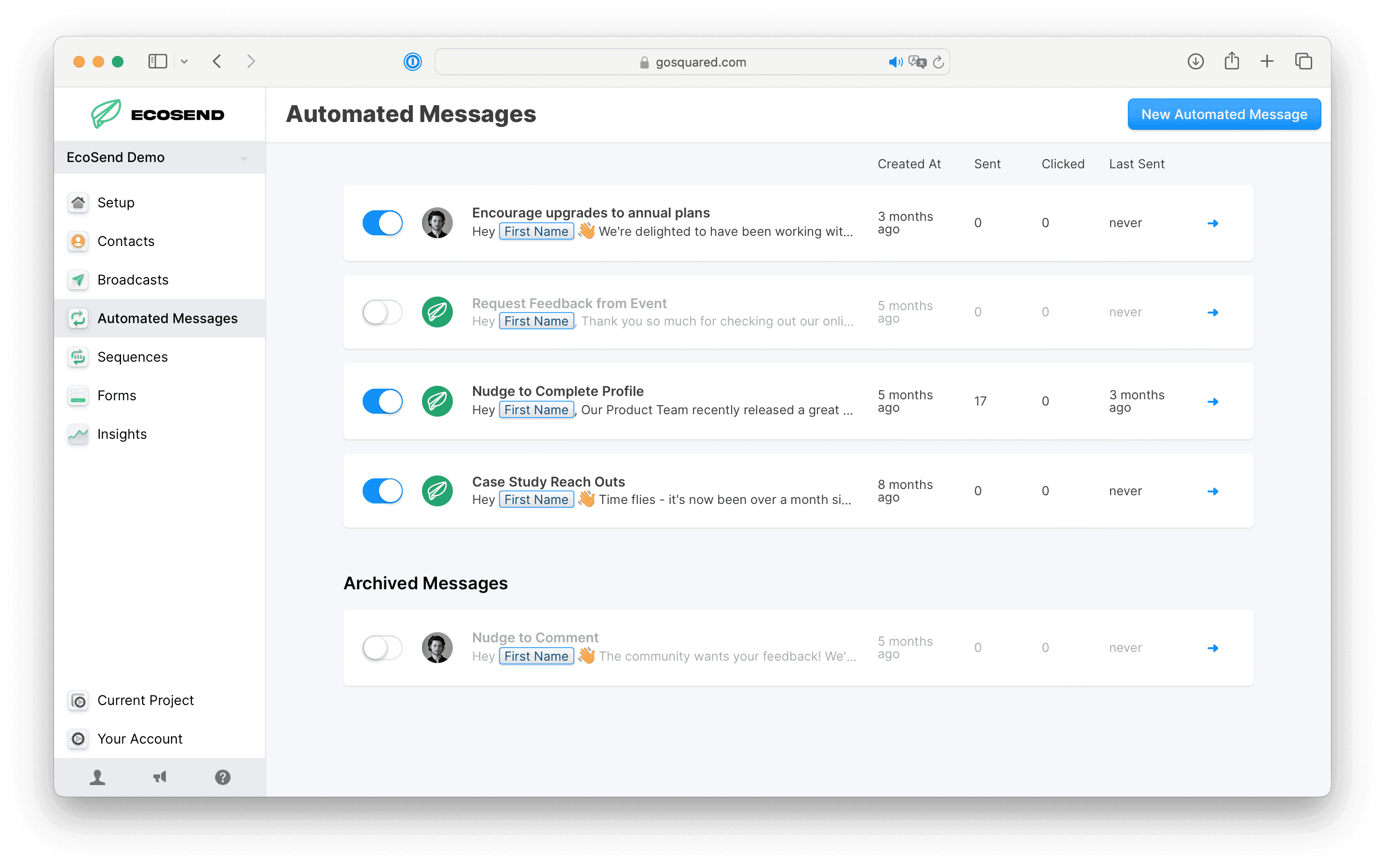
In EcoSend, a workflow that sends a single email (like a welcome email) is an Automated Message. A workflow with multiple emails sent over time is a Sequence.
Whether it's a one-off welcome email you're after, or a sophisticated nurture series, you can find it all in EcoSend.
Subscribers -> Contacts
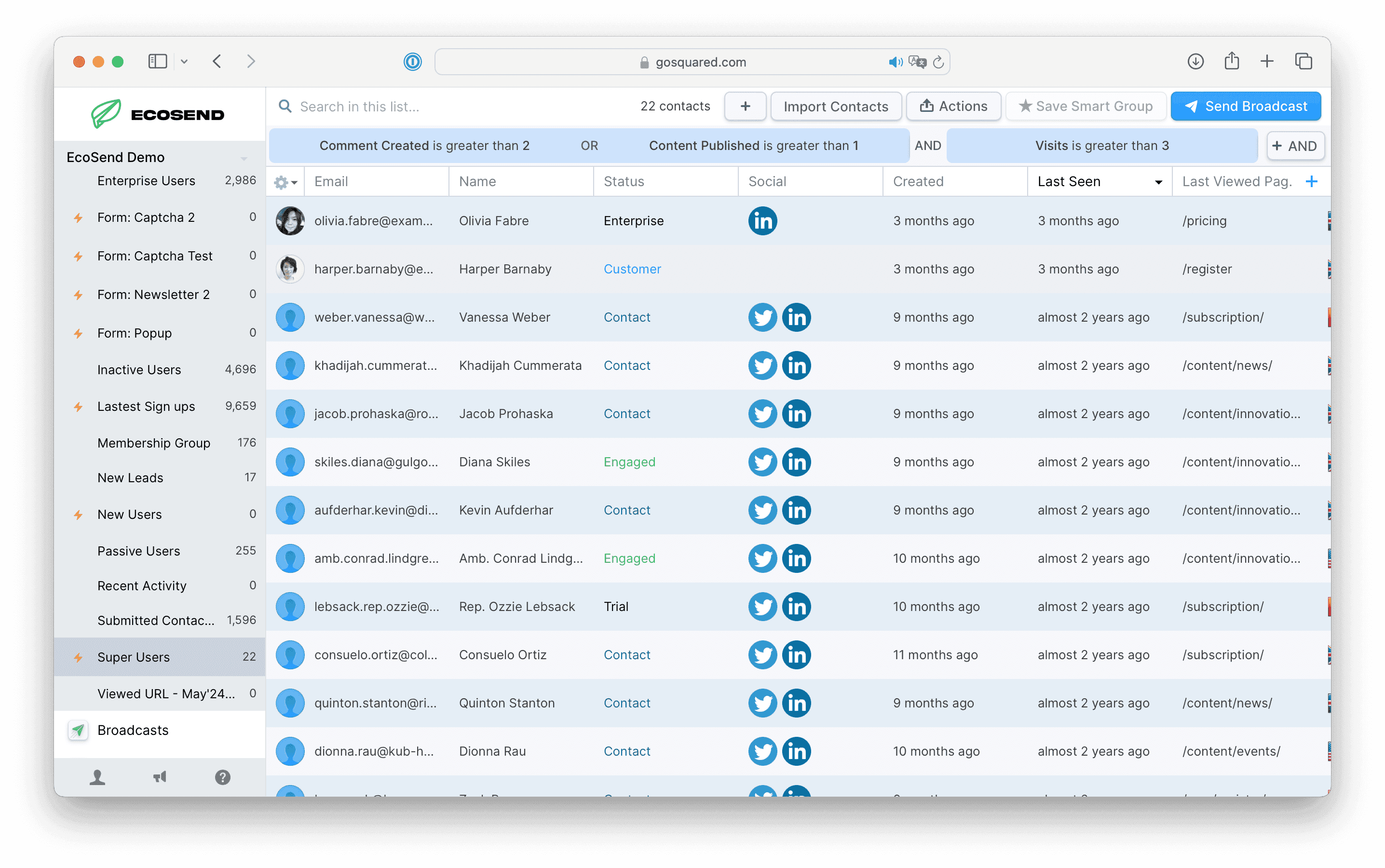
MailerLite's Subscribers page is where all of your email addresses live. In EcoSend, you'll find everyone in the Contacts area.
To bring your subscribers across, export them from MailerLite as a CSV and upload the file using the EcoSend CSV Importer. Each row becomes a contact profile, and each column becomes a property you can filter on.
Would rather not do it yourself? Our team will move your contacts, groups, and fields across for you with our free migration service.
Groups -> Lists
In MailerLite, Groups are how you organise subscribers into separate audiences, like "Newsletter" or "Customers", and let them choose which emails they receive.
In EcoSend, these are called Lists. Your contacts can manage which Lists they're opted in to with Subscription Preferences.
Lists are completely optional in EcoSend. If you only used Groups to tag people (for example, "Attended webinar"), you may not need a List at all. Instead, include the group as a column in your CSV and it'll become a property you can use to build a Smart Group.
Segments -> Smart Groups
MailerLite Segments automatically filter subscribers based on their fields and activity. In EcoSend, these are called Smart Groups.
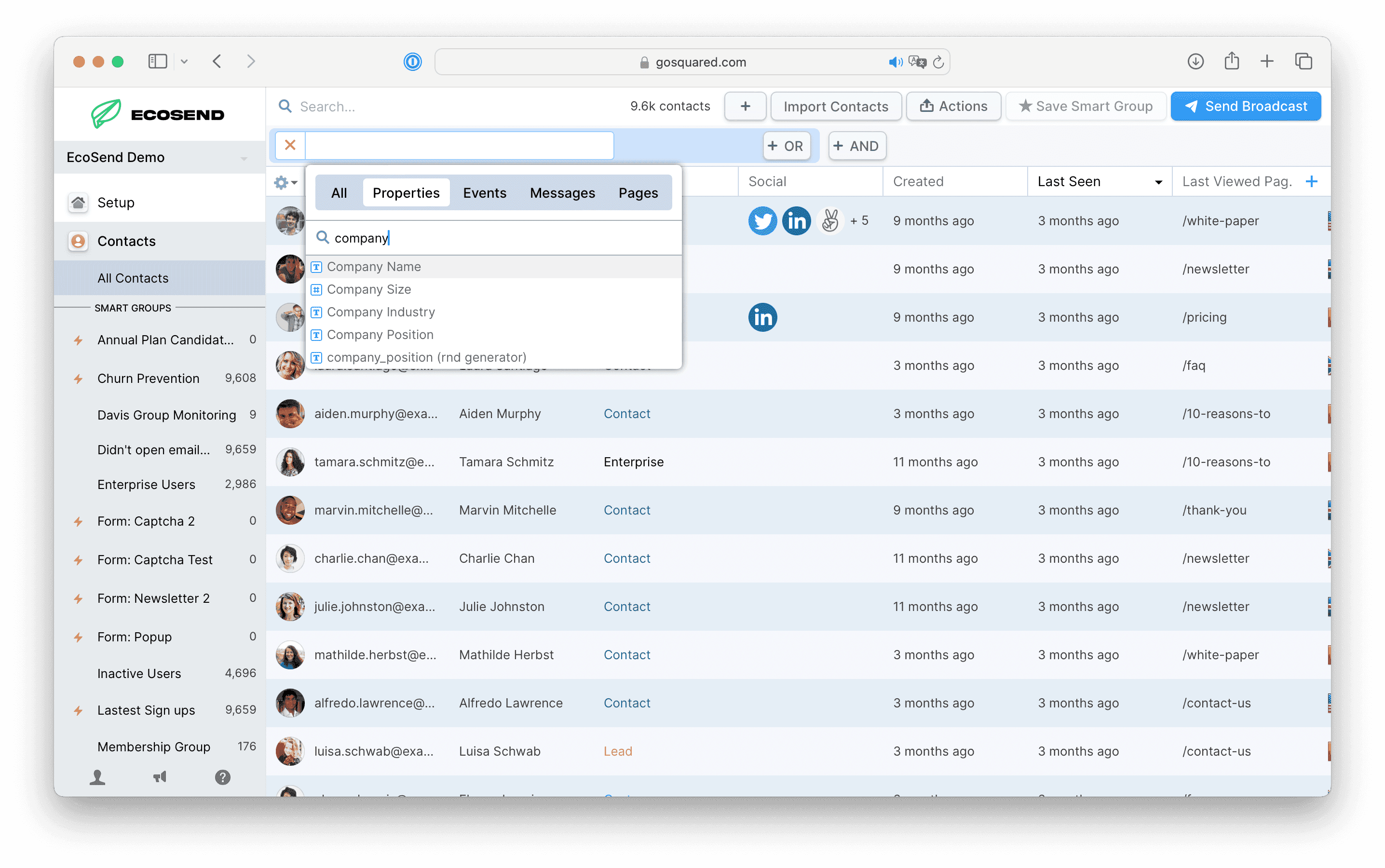
Smart Groups update in real time, so contacts are added and removed automatically as they match your filters. You can filter by properties, events, and email activity, such as who opened your last Broadcast or clicked a particular link.
Smart Groups can also be used to trigger Automated Messages and Sequences, so you can send highly targeted emails to just the right people.
Fields -> Properties
In MailerLite, Fields store extra information about your subscribers, such as their name, company, or country.
In EcoSend, these are called Properties. When you import your contacts via CSV, each column header becomes a property and is associated with the relevant contact profiles.
You can find your properties by heading to Contacts, then Add Filter, then searching in the Properties tab. From there, you can build and save a Smart Group to segment your audience by those properties.
Saved Templates -> Custom Templates
In MailerLite, you might save your favourite designs as templates to re-use in future campaigns. In EcoSend, these are called Custom Templates.
To create one, design your email in the email builder and click Save as Template. Your template will be ready to use in your Broadcasts, Automated Messages, and Sequences, and you can edit it whenever you need.
Merge Tags -> Variables
In MailerLite, you personalise emails with merge tags like {$name}. In EcoSend, these are called Variables.
To add a Variable to your subject line or preview text, type {{ to bring up the Variable picker. Any property you've imported can be used as a Variable.
If you're copying content over from MailerLite, remember to swap any old merge tags for EcoSend Variables before you send.
Forms & Pop-ups -> Forms
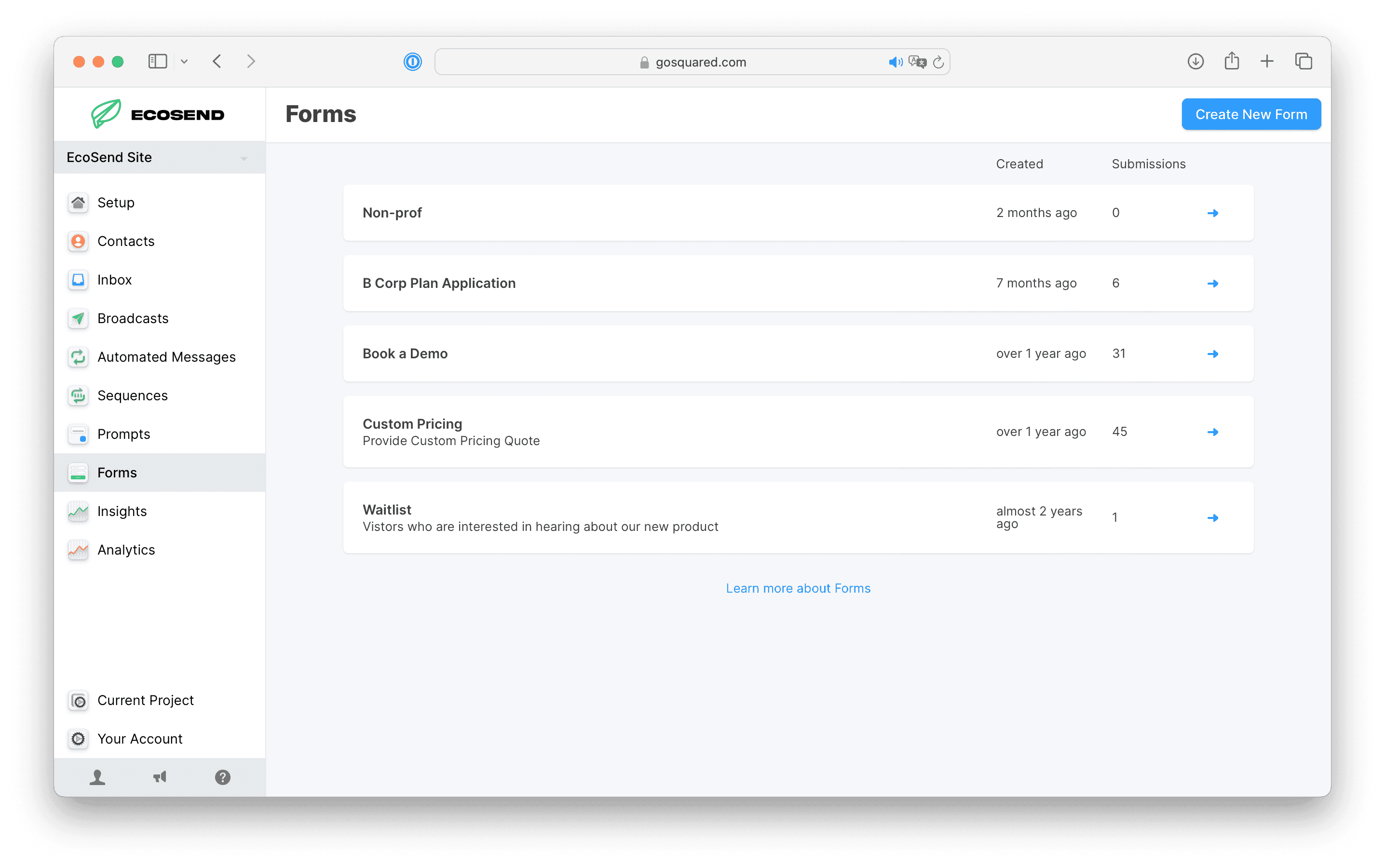
This one needs very little translation! EcoSend Forms allow you to capture email addresses and grow your audience.
- MailerLite embedded forms are Inline Forms in EcoSend.
- MailerLite pop-ups are Pop-up Forms.
- If you used a MailerLite landing page as a simple sign-up page, a Hosted Form gives you a shareable link without needing a website.
You can also use Forms to trigger Automated Messages, to create fluid marketing funnels.
Reports -> Insights
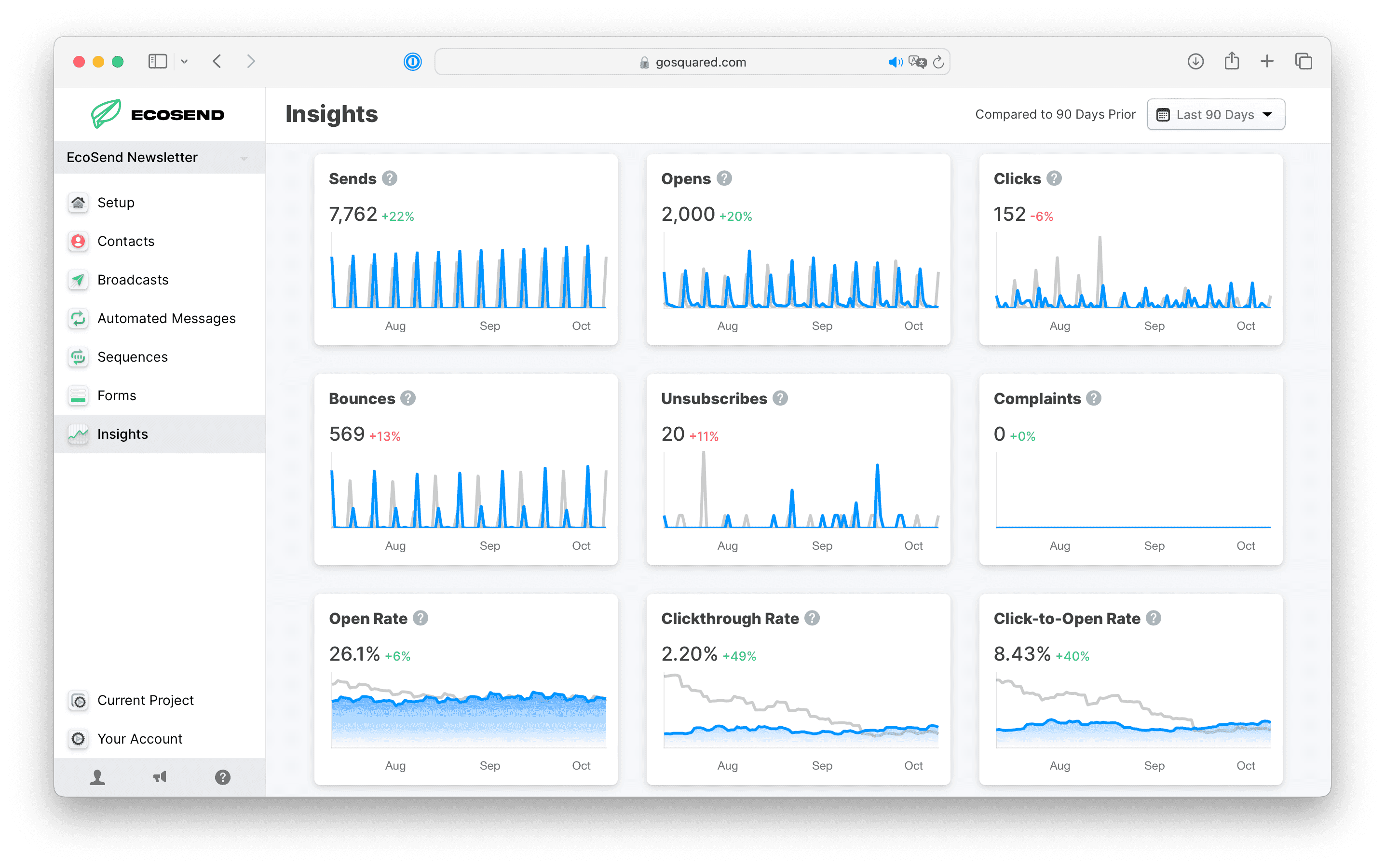
You'll find a dedicated Insights dashboard where you can monitor key metrics across all your campaigns.
Whether it's your Click-Through Rate, Bounce Rate, Unsubscribe Rate or other, you can find it all here! You can also dig into the results of any individual Broadcast with Broadcast metrics.
We hope you find this guide helpful! 🙌
As always, if you have any questions regarding migrating from MailerLite, or activating EcoSend features, please reach out to our friendly team.
Last updated November 2026