Understanding Bounces
How does EcoSend process Email Bounces?
A 'bounce' event can happen for a variety of reasons, and depending on the reason, EcoSend will classify and process the bounce differently.
EcoSend categorises bounces according to the “bounce reason” — this is a response code that we receive for every email sent out.
Depending on whether it’s a soft or transient or hard bounce, EcoSend will block sending to the email address for a variable period of time:
- Transient bounces (e.g. you sent a message that is too large, but the recipient mailbox is in order) get no timeout at all.
- Soft bounces (e.g. mailbox full) get a 1-hour timeout.
- Hard bounces (nonexistent recipient, permanently banned) get a 7 day timeout.
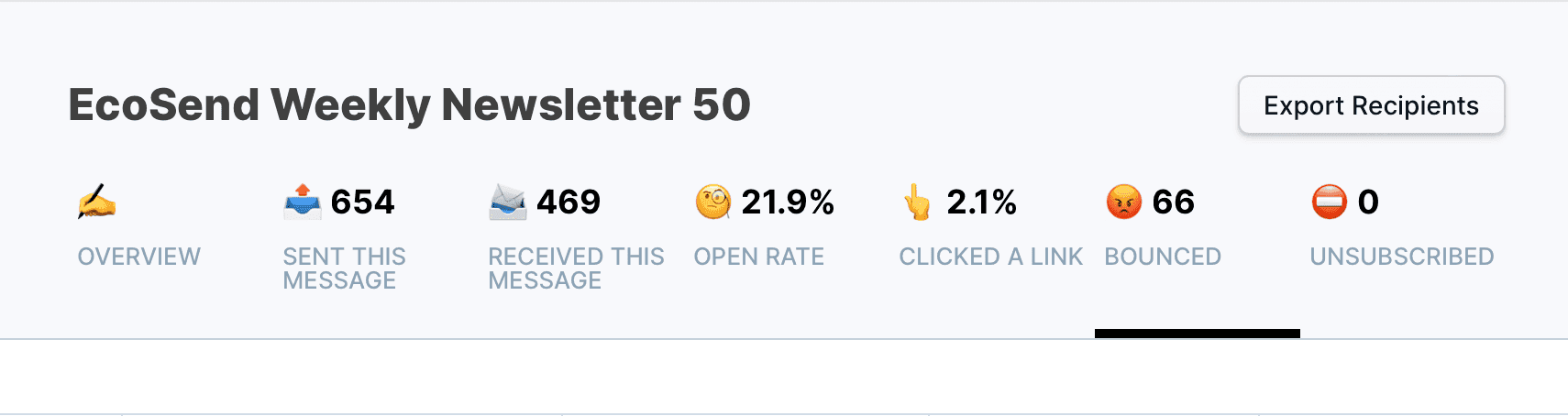
You will be able to identify if any users’ emails have bounced for any of the reasons above, by clicking the Bounced list within each email campaign's click tracking.
For a more technical explanation, we send out emails from our email-sending provider, SparkPost.
If SparkPost receives a 4xx rejection code from the ISP, these emails generally fall into the ‘retry’ category.
SparkPost's algorithm will re-attempt delivery for each message a certain number of times over a time period.
For example, a message could be retried up to 6 times during a 72 hour time-period.
If SparkPost exhausts the maximum number of retries (or maximum time period the message is eligible for delivery) and the inbox server still has not accepted the email, then SparkPost logs the message as “Bounced”.
The type of bounce recorded will depend on the final 4xx response string from the ISP. Responses in this category are not typically classified as a Hard Bounce, and are more commonly logged as a Soft Bounce.
A soft or transient bounce is usually a temporary issue. Reasons for soft bounces can include:
- Your recipient’s inbox is full
- The recipient’s email server is experiencing high traffic volumes, causing server overload
- The email you’ve sent is too large for the recipient’s email server to handle.
- Temporary Server errors.
If SparkPost receives a 5xx response from the ISP, it will immediately log a “Bounce” event and will usually not retry delivery to these recipients at all.
5xx responses are known as “Permanent Failures”, and are typically logged as Hard Bounces.
Common reasons for Hard Bounces include:
- Invalid or Non-Existent Email Addresses
- Your ESP domain has been blacklisted
- Incorrect Email Authentication setup
For more information on SparkPost’s definitions and process of recording bounces, please read their article here.
FAQ
I can see email addresses in both the 'Recevied' and 'Bounced' Lists?
This can occur if we initially recorded a 'Soft' Bounce event on the user(s) in question, but subsequently successfully delivered the email, therefore adding the user(s) to the Received List concurrently.
How do I find which emails are regularly bouncing from my recent campaigns?
For our guide on identifying and removing regularly bouncing email addresses, please see our article here.
Last updated June 2026